

Implementer with a local step
An Implementer checked by a command step, routing on what the machine observed
In this example you put a shell command between the Implementer and the end of the run, so the run routes on what the machine observed rather than on what the agent said. An agent that reports success is not evidence of success.
About five minutes to set up.
digraph local_step {  graph [version="1", entry="implement", inputs="work", description="Implement a change and prove it with a local command before finishing", max_visits="40"]
  implement [prompt="Implement the change described by {{ inputs.work }}. Change the files the work needs. Do not commit.", outputs="implementation_summary:text"]  observe [shape="parallelogram", repeat_safety="idempotent", script="if git status --porcelain | grep -q .; then echo '{\"change.present\":true,\"change.summary\":\"the working folder has uncommitted changes\"}'; else echo '{\"change.present\":false,\"change.summary\":\"the working folder is unchanged\"}'; fi", facts="change.present:bool,change.summary:text", timeout="2m"]  repair [prompt="A local command observed that {{ context.change.summary }}. The reported work was: {{ context.implementation_summary }}. Change the files the work actually needs.", outputs="repair_summary:text"]  observed [shape="Msquare", outcome="success"]  unchanged [shape="Msquare", outcome="failed", label="No change after five repairs"]  broken [shape="Msquare", outcome="failed", label="The local command itself failed"]
  implement -> observe  observe -> broken [condition="outcome == 'failed'", weight="4"]  observe -> repair [condition="change.present == false", weight="3", repair_budget="local_check", repair_round="retry"]  observe -> unchanged [condition="change.present == false", weight="2", repair_budget="local_check", repair_round="exhausted"]  observe -> observed [condition="change.present == true", weight="1", repair_budget="local_check", repair_round="reset"]  observe -> broken  repair -> observe}
Before you start
Section titled “Before you start”You need:
- a signed-in harness;
- a project whose primary folder is a Git repository. It needs no remote. It must be a Git repository because the check asks
git statuswhether the folder changed; - the workflow: download the archive, or just local-step.dot.
1. Add the workflow
Section titled “1. Add the workflow”-
Unpack the archive into your workflow library,
~/.orbital/workflows/. Keep every relative path. -
Check it:
Terminal window orbital validate ~/.orbital/workflows/local-step.dot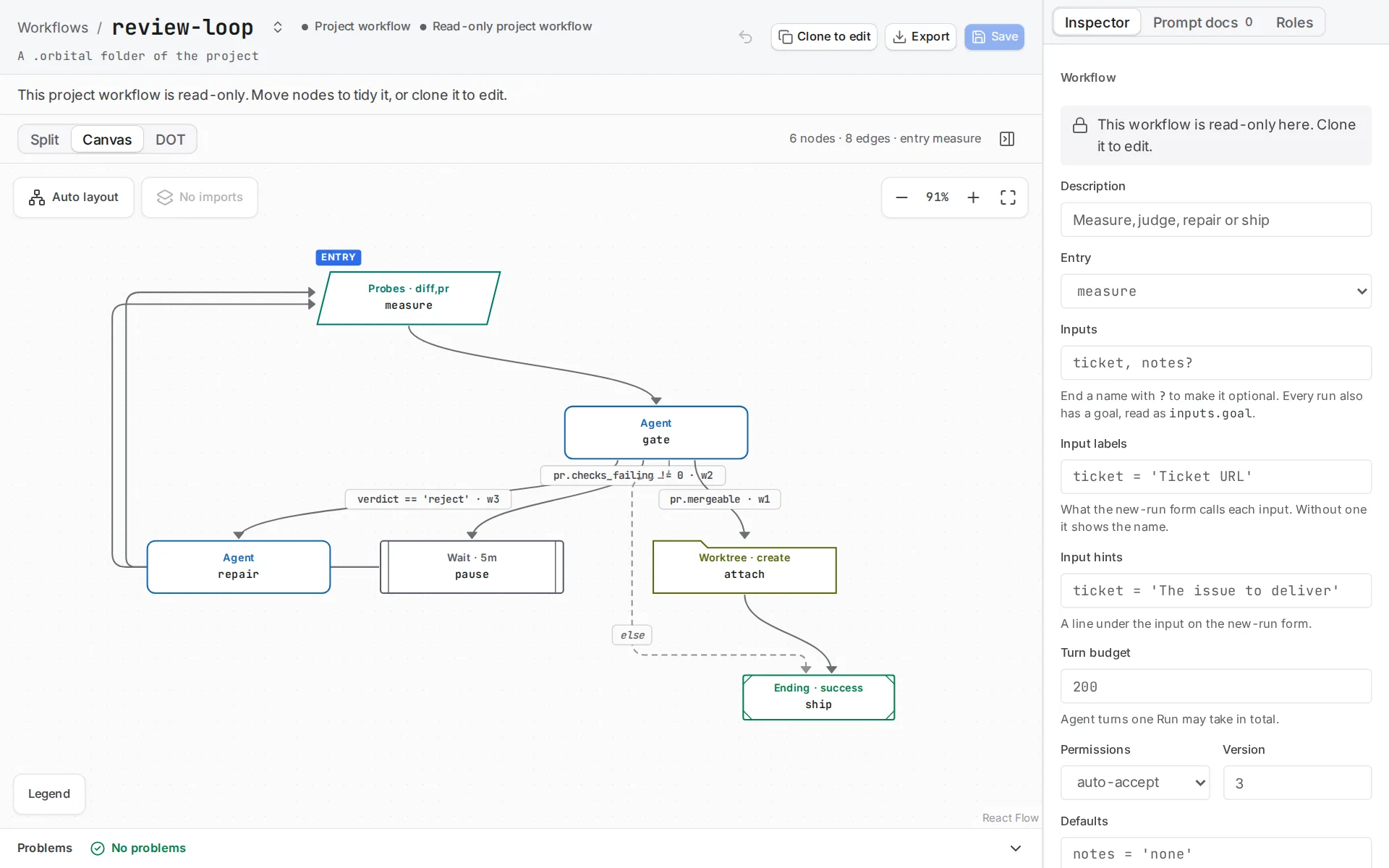
The editor draws the workflow's steps; the Problems bar lists what validation rejects.
2. Read how it works
Section titled “2. Read how it works”observe is a parallelogram with a script. The script runs once through bash -c in the primary working folder, inherits the server environment, and prints one JSON object as its final stdout line. facts="change.present:bool,change.summary:text" declares exactly the keys that object contains, and Orbital rejects a final line that does not match.
The check here asks git whether the working folder has uncommitted changes. Replace it with your project’s own check, such as its test or lint command, and declare whatever facts that command can report. Keep the script read-only when it only inspects something, and give it a timeout shorter than the default ten minutes when the command is quick.
Four edges leave observe, and each covers a different outcome:
| Edge | What it does |
|---|---|
outcome == 'failed' |
Catches the script itself failing on a timeout, a non-zero exit or a malformed final line. |
change.present == false |
Starts a repair round, bounded by repair_budget="local_check" and its exhausted partner. |
change.present == true |
Succeeds and resets the budget. |
| The bare fallback | Required, because a command node cannot infer its own coverage the way a choice-producing agent can. |
3. Make a practice repository
Section titled “3. Make a practice repository”Run git init ~/orbital-practice and add that folder as a project.
4. Start the run
Section titled “4. Start the run”Choose New task and pick the project. Choose the local-step workflow, set work to what you want changed, and write the goal.
What you get
Section titled “What you get”An Implementer that changes a file reaches the successful terminal on the first observation. An Implementer that changes nothing is sent to repair and observed again, up to five rounds, before the run ends Failed. A script that cannot run at all ends the run Failed at a separate terminal, so you can tell the two causes apart in the transcript.
Related
Section titled “Related”- Context: how to declare the facts a command reports
- Error handling: how repair budgets bound a loop
- One-shot implementation: the smallest workflow that delivers a pull request