

One-shot implementation
The smallest workflow that delivers real work, from worktree to pull request
In this example you run the smallest workflow that delivers real work. It takes an isolated checkout, implements once, reviews once, publishes a pull request and puts the checkout away. There is no repair loop and no waiting on the pull request.
About five minutes to set up.
digraph one_shot {  graph [version="1", entry="checkout", inputs="work", description="Implement one change in an isolated checkout, review it once and publish it"]
  checkout [shape="folder", action="create"]  implement [prompt="Implement the change described by {{ inputs.work }}. Follow the conventions already in the repository. Do not commit or push.", outputs="implementation_summary:text"]  review [prompt="Review the change in the working folder. The Implementer reported: {{ context.implementation_summary }}. Choose pass when the change is complete and correct, or reject when it is not.", outputs="verdict:choice"]  publish [prompt="Commit the reviewed change on its own branch, push it and open a pull request that explains why the change exists.", outputs="publication_summary:text"]  cleanup [shape="folder", action="remove"]  published [shape="Msquare", outcome="success"]  rejected [shape="Msquare", outcome="failed", label="Checkout kept for inspection"]  retained [shape="Msquare", outcome="failed", label="Checkout retained to preserve local work"]
  checkout -> implement  implement -> review  review -> publish [condition="verdict == 'pass'", weight="2"]  review -> rejected [condition="verdict == 'reject'", weight="1"]  publish -> cleanup  cleanup -> published [condition="worktree.clean == true", weight="1"]  cleanup -> retained}
Use it when the change is small enough that a rejected review means you want to look at it yourself.
Before you start
Section titled “Before you start”You need:
- a project whose primary folder is a Git repository with a GitHub remote you can push to, because the run works in a worktree and opens a pull request;
- Git credentials, and a signed-in harness that can open a pull request;
- the workflow: download the archive, or just one-shot.dot.
1. Add the workflow
Section titled “1. Add the workflow”-
Unpack the archive into your workflow library,
~/.orbital/workflows/. Keep every relative path. -
Check it:
Terminal window orbital validate ~/.orbital/workflows/one-shot.dot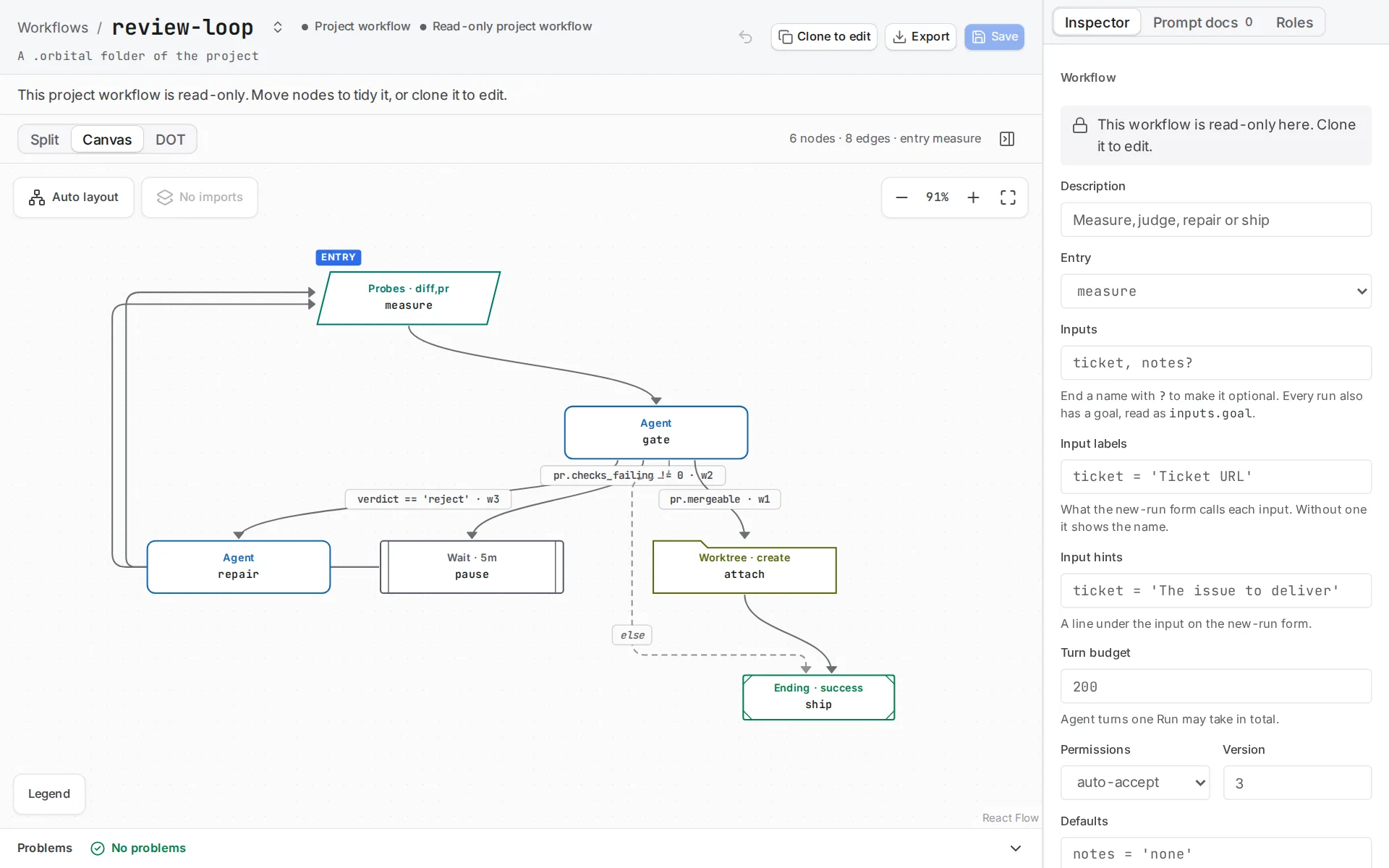
The editor draws the workflow's steps; the Problems bar lists what validation rejects.
2. Read how it works
Section titled “2. Read how it works”checkout is a folder node with action="create". It makes one isolated checkout per repository folder on a generated branch, so the run never touches your working copy. cleanup is the matching action="remove".
review declares outputs="verdict:choice", and its two outgoing conditions tell Orbital that pass and reject are the only answers it will accept. A rejection ends the run at a failed terminal and skips cleanup on purpose. Removal would refuse anyway with uncommitted work in the checkout, and the point of a rejection is that you want to read the diff.
Cleanup routes on worktree.clean. Removal measures every checkout first and removes none if any would lose dirty files or unpushed work. So the fallback ends at a failed terminal that names what happened, rather than pretending the run succeeded.
3. Start the run
Section titled “3. Start the run”Choose New task and pick the project on the repository. Choose the one-shot workflow, set work to a description or ticket URL, and write the goal.
What you get
Section titled “What you get”| Review | Result |
|---|---|
| Passes | A pull request is published, and the run ends Succeeded with the checkout removed. |
| Rejects | The run ends Failed with the checkout intact for you to inspect. |
| Passes, but removal is refused | The run ends Failed and keeps the checkout. |
Related
Section titled “Related”- Implementer with a local step: add a local check before the end
- Ticket to merge: follow the pull request through to merge
- Worktrees and delivery: how
foldernodes create and remove checkouts