

Deliver an epic
Deliver an epic's tickets in dependency order, one merged pull request each
In this example you deliver a whole epic with one run. You start the shipped implement-epic workflow with the epic’s address. The run picks the next ticket that nothing blocks, delivers it as one merged pull request, and picks again until every ticket is done. Then it closes the epic.
About five minutes to start, once the tickets are ready. The run itself can take days.

Before you start
Section titled “Before you start”The workflow ships with Orbital, so there is nothing to download. You need the same as for one feature: a project on a Git repository, because each ticket is built in a worktree, a GitHub token and a signed-in harness.
The steps have Full access and run with permissions="auto-accept". Permissions explains what that asks you.
1. Prepare the tickets
Section titled “1. Prepare the tickets”The epic needs tickets the agent can read:
| Tracker | What the epic needs |
|---|---|
| GitHub | Sub-issues of the epic, with “blocked by” links where order matters. |
| Linear | Sub-issues, read with the Linear tools your harness has. |
Each ticket should be one piece of work that one pull request can deliver, with a clear “done when”. The run follows the tickets, so refine them first. Lead delivery with a supervisor explains how.
2. Start the run
Section titled “2. Start the run”-
Choose New task, pick the project and choose
implement-epic.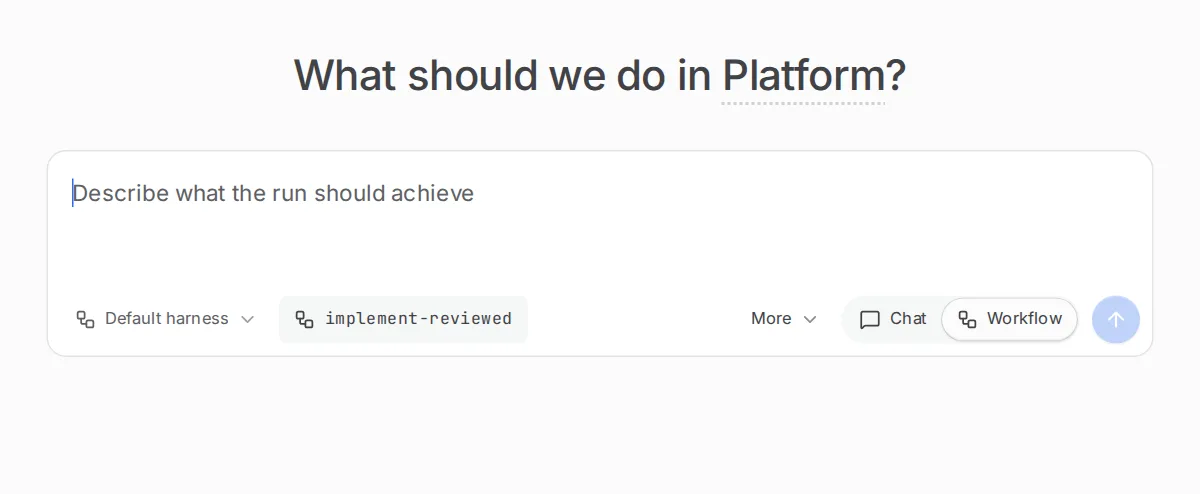
Choose the workflow here before you fill in the epic. -
Fill in Ticket URL with the epic’s address.
-
Write a goal with any rule every ticket must follow, or leave the epic to speak for itself.
-
Choose Start run.
Give the epic’s address as the ticket_url input. The orbital command lists every flag.
orbital run start --workflow implement-epic --project proj_r3tQMqBPBB5p \ --input ticket_url=https://github.com/acme/app/issues/600The run then works through the epic:
| Step | What it does |
|---|---|
| select | Reads the epic and its tickets and picks the next leaf ticket that is open and not blocked. |
| ticket | Delivers that ticket exactly as implement-ticket does: worktree, plan, implement, review, pull request, merge, complete the ticket. |
| Back to select | The run starts again with a clean slate for the next ticket. |
| Wait | When every remaining ticket is blocked, the run waits thirty minutes and looks again. |
| close_epic | When no ticket is left, closes the epic, and the run ends Succeeded. |
A pull request closed without merging does not stop the run. The run moves on to the next ticket, and you decide what to do with the closed one.
3. Review each pull request
Section titled “3. Review each pull request”Each ticket’s pull request appears in the dock’s Pull requests section. The run takes no run slot while it waits at each pull request’s review gate. Review each pull request as you normally would. Once your branch rules allow, GitHub merges it, because Orbital turned on auto-merge.
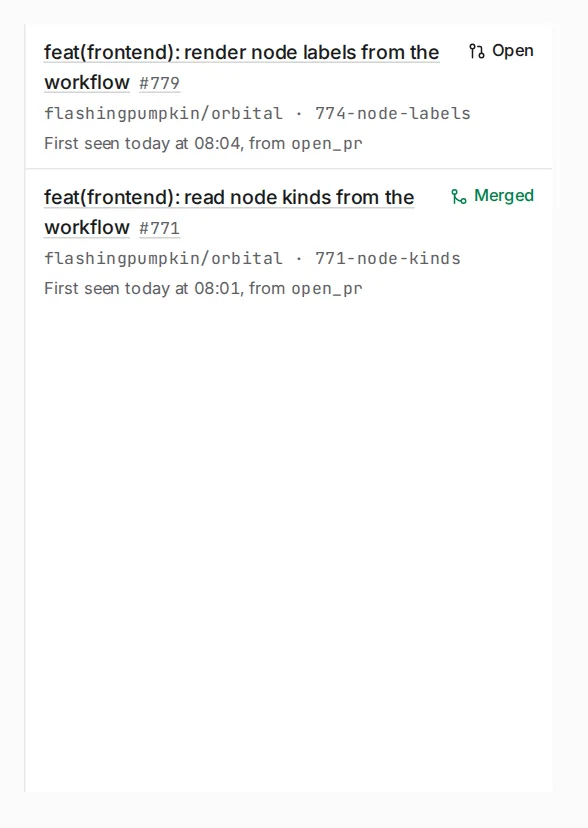
An epic run can take days. Check in on it, or let the Supervisor or a coding agent with the orbital-delivery-lead skill watch it for you.
What you get
Section titled “What you get”A merged pull request for each ticket the run delivered, with that ticket completed, and the epic closed. The run ends Succeeded when no ticket is left.
With a review panel
Section titled “With a review panel”implement-epic-with-panel delivers an epic the same way, but reviews each change differently. Eight reviewers look at the change in parallel, each for one kind of problem: the change’s lifecycle, workflows, integrations, the frontend, tests, complexity, new comments and coding standards. The Implementer fixes what they find, and one more reviewer checks the fix. There are at most two fix rounds. Use it when you want a broader review of each ticket and can spend more agent time on it.

Related
Section titled “Related”- Shipped workflows: every step of
implement-epicand its panel variant - Outer loop over an epic: a smaller epic workflow you can read file by file
- Implement a feature: how one ticket is delivered
- Supervisor: let an agent watch a long run for you