

The orbital command
Run Orbital, validate workflows and start runs from a terminal
Use the orbital command to run Orbital from a terminal. For example, start the server and the browser app, then check a workflow without running it:
orbital serveorbital validate ~/.orbital/workflows/<name>.dotThe command also opens Orbital in a window of its own, starts runs and changes settings on a running server, and installs the shipped skills. Run orbital with no arguments to print its help.
Before you start
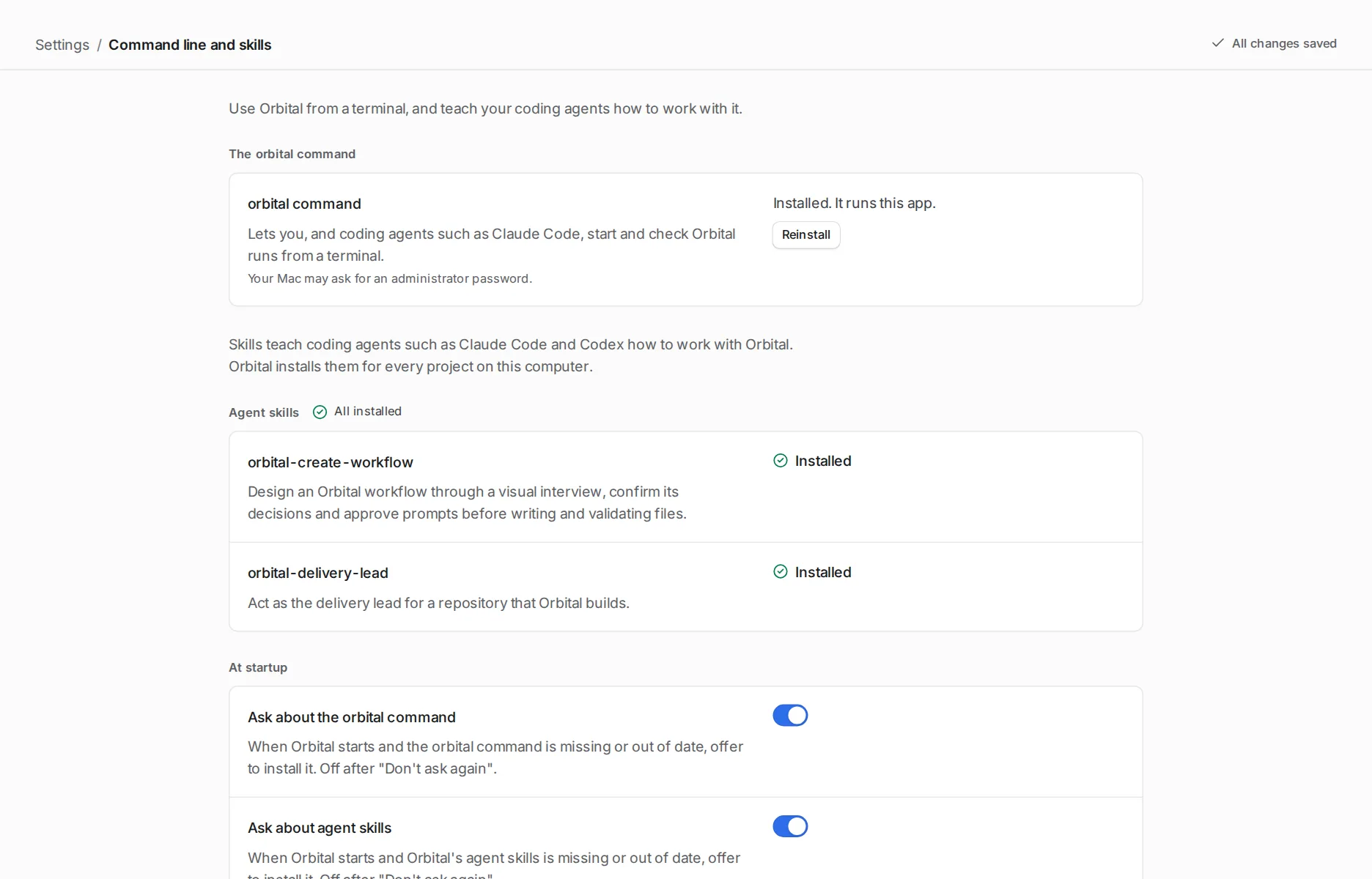
Section titled “Before you start”The Mac app carries the command. Install it from Settings > Command line and skills, or with Orbital > Install Command Line Tool in the menu bar. On Linux or Windows, install it with npm. Install Orbital gives both routes.
The subcommands
Section titled “The subcommands”| Subcommand | What it does |
|---|---|
orbital serve |
Runs the server and the browser app on one port, prints its address and opens it in your browser. |
orbital app |
Opens Orbital in a window that runs its own server. Closing the window stops the server. |
orbital validate |
Checks a workflow without running it. It starts neither the server nor an agent. |
orbital run start |
Queues a run on the server running on this machine, the desktop app’s or orbital serve’s, and prints the run’s ID and page address. |
orbital settings set |
Changes one setting on the server running on this machine. Settings > Recent changes lists the change. |
orbital skill install |
Installs every skill that ships with Orbital, for agents and for Claude. |
Every subcommand takes --version, which prints the version the command is running. A usage error, such as an unknown flag, prints the problem and the help. The command line reference lists every flag, exit code and environment variable.
Related
Section titled “Related”- Command line reference: every flag, exit code and environment variable
- Install Orbital: install the command from the Mac app or with npm
- Use the shipped skills: what
orbital skill installgives your agents - Start a run: the other ways to start a run
- Permissions: what a run asks you before its agent acts, on each harness