

Runs
A run carries out one workflow for one project, towards one goal
You start a run to carry out one workflow for one project, towards one goal. While it works, you can follow it, send its agent a message and pause it, and it picks up again after a restart. Orbital keeps each run’s full history.
Each step runs on the harness and model that its role, its model settings or the run chose, so one run can use several harnesses and models. Harnesses and models gives the order.
Standings
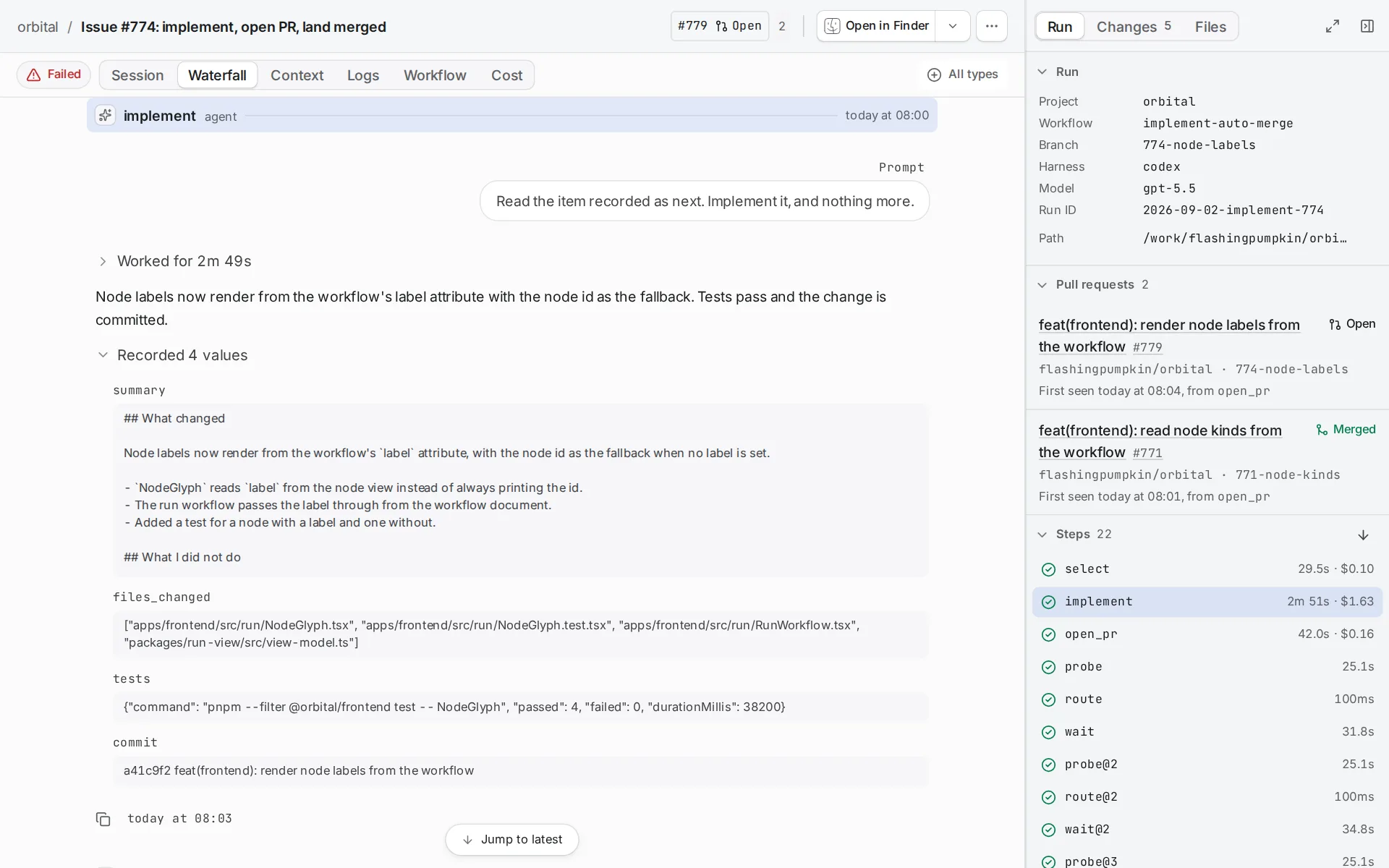
Section titled “Standings”Each run has one standing at a time. The runs list, the run page and the MCP tools use the same names. The one exception: the MCP tools report a run at a gate as Paused.
| Standing | Meaning |
|---|---|
| Created | Recorded but not started. |
| Queued | Waiting for a free run slot in the queue. |
| Running | A step is working. |
| Question | The agent asked you something and waits for the answer. |
| Waiting | The run waits for time or at a human gate. A timed wait shows “Wakes in” and the time left. A run at a gate shows “Waiting:” and the gate’s label, such as “Waiting: The pull request is waiting for review or merge”. The Status filter calls it At a gate. It carries on by itself. |
| Paused | Nothing moves until you act. A run you paused shows “Paused”. A run that stopped by itself shows “Waiting on you”. It stops by itself when a step fails and the workflow has no route for the failure, when the harness is missing or out of quota, when a step reaches its visit limit, or when Orbital cannot read the workflow. A paused run holds no run slot. |
| Succeeded | It reached a terminal step that ends in success. |
| Failed | It reached a terminal step that ends in failure, or spent the workflow’s max_visits. |
| Aborted | Someone aborted it. |
The phase field
Section titled “The phase field”The HTTP run listing and the MCP list_runs and get_run tools return a phase field beside the standing. The phase says which part of a step the run is in. Use the standing to decide what to do. Use the phase when you need the finer detail.
| Phase | Meaning | Standing |
|---|---|---|
| Created | Recorded but not started. | Created |
| Queued | Waiting for a free run slot. | Queued |
| Entering | Starting a step. | Running, Question or Waiting |
| Executing | A step is working. | Running, Question or Waiting |
| Selecting | Choosing the next step from the edges. | Running, Question or Waiting |
| AwaitingOperator | At a human gate, or stopped by itself. | Waiting at a gate, or Paused (“Waiting on you”) |
| Interrupted | You paused it. | Paused |
| Ended | Reached a terminal step or was aborted. | Succeeded, Failed or Aborted, from the run’s outcome |
The MCP tools report a run at a gate with the standing Paused. Its phase is AwaitingOperator, as for a run that stopped by itself. For a run at a gate, the HTTP listing also returns waitingOn, the gate’s label.
Read the result
Section titled “Read the result”A run ends at a terminal step. The Session tab then shows “Run ended: success”. A run that failed or was aborted shows “Run ended: failed” or “Run ended: aborted” as an alert.
What the run delivered depends on its workflow:
| Workflow | Where the result is |
|---|---|
Answers or writes, such as explain-repo or a research report |
The agent’s reply. It is the last message in the Session tab, above “Run ended”. The Context tab keeps each step’s reply as response.<step>, and the latest one as last_response. |
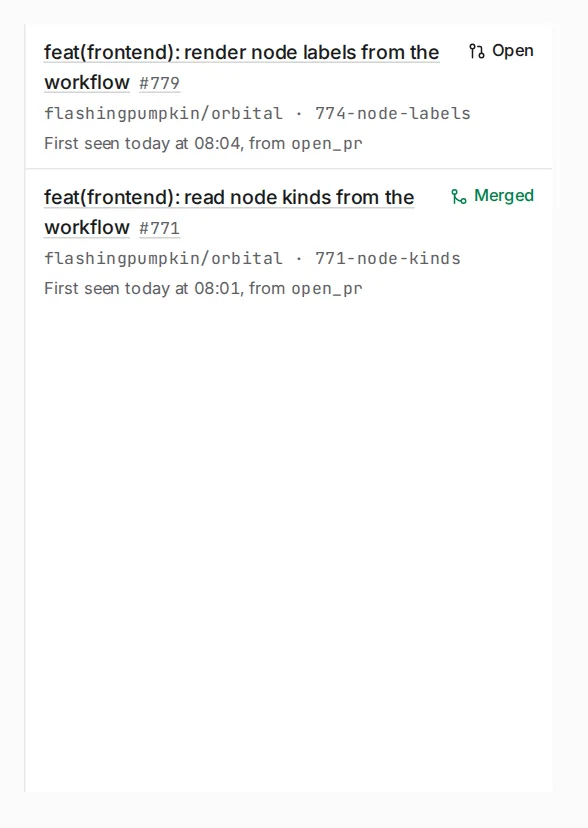
| Delivers code, through a worktree and a pull request | The dock’s Pull requests section lists its pull requests. The Changes tab shows the branch’s changes. |
Titles
Section titled “Titles”Orbital titles a run the moment you start it. It uses a ticket’s identifier and title, a link’s short form, or the first line of the goal. A small model then writes a better title from the ticket and from the first step’s work.
To rename a run, choose its title in the header. Orbital never replaces a title you gave.
Quick reference
Section titled “Quick reference”| You want | Where to look |
|---|---|
| Whether a run needs you | Its standing, in the runs list or on the run page |
| Finer detail for a script or an agent | The phase field from the HTTP run listing or the MCP tools |
| A run’s answer | The last message in the Session tab, or response.<step> in the Context tab |
| A run’s pull requests | The dock’s Pull requests section, and the Changes tab |
| A new title | The run’s title in the header |
Related
Section titled “Related”- Start a run: give a project a goal and a workflow.
- Watch a run: find runs and read the run page.
- Message a run: steer the agent or answer its question.
- Pause, stop or resolve a run: every control and what it does.
- The run queue: how many runs work at once, and in what order.