

Message a run
Steer a working agent or answer its question from the composer
You can write to a run’s agent while the run works, from the composer at the bottom of the run page. Your message either steers the step that is working or waits for the next turn.
Send a message
Section titled “Send a message”-
Open the run.
Choose the run on the Runs page or under Recent runs. The run page opens on the Session tab.
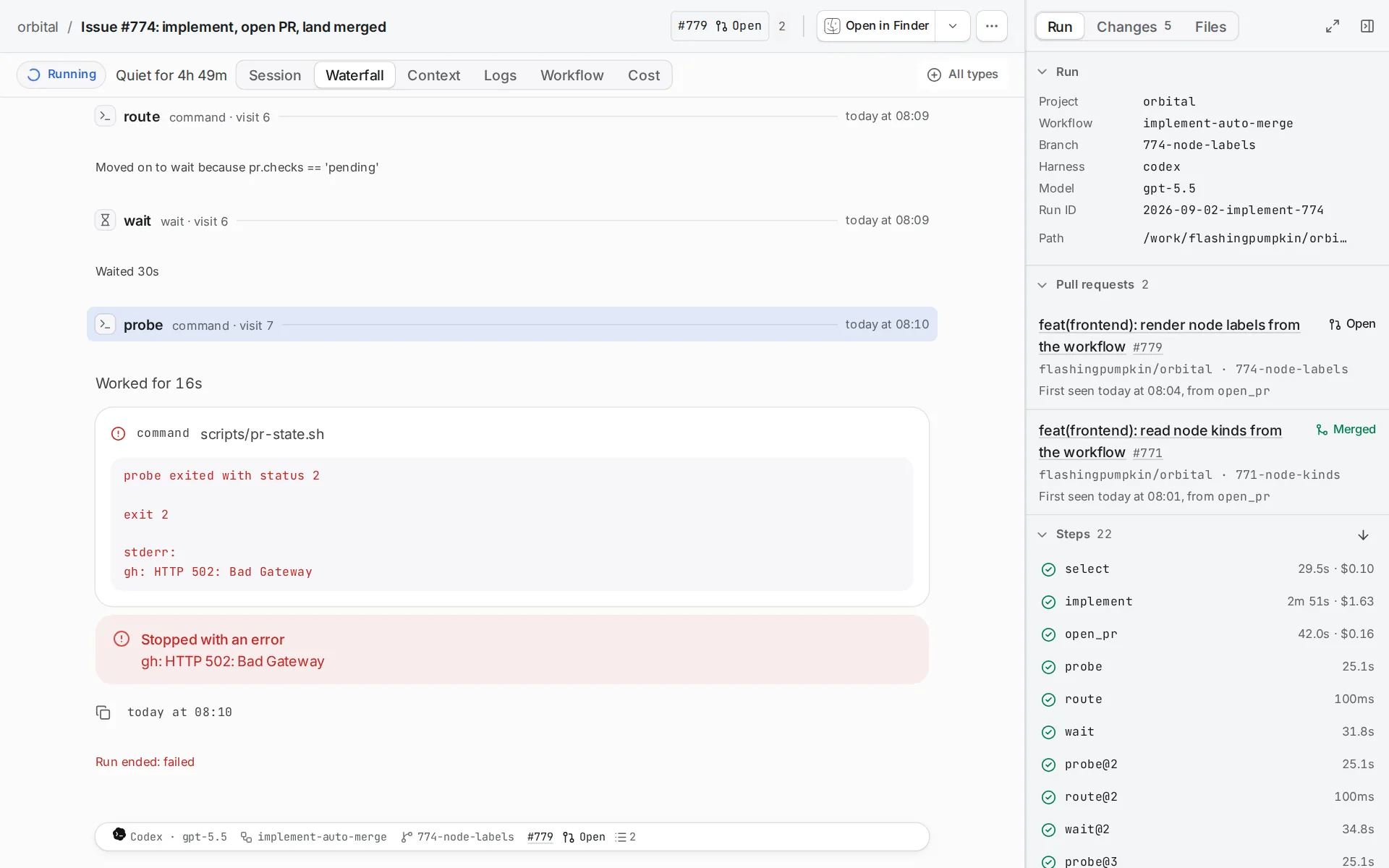
A running run shows how long its agent has been quiet. -
Write in the composer.
The composer sits at the bottom of the Session tab.
-
Send the message.
While a step is working, your message steers it. The composer then says “Message the agent”. When no step is working, the message waits for the next turn. The composer then says “Message the agent’s next turn”.
Answer a question
Section titled “Answer a question”When the agent asks a question, the run’s standing becomes Question and the composer says “Answer the question or message the agent”. Choose one of the options, or write your own answer.
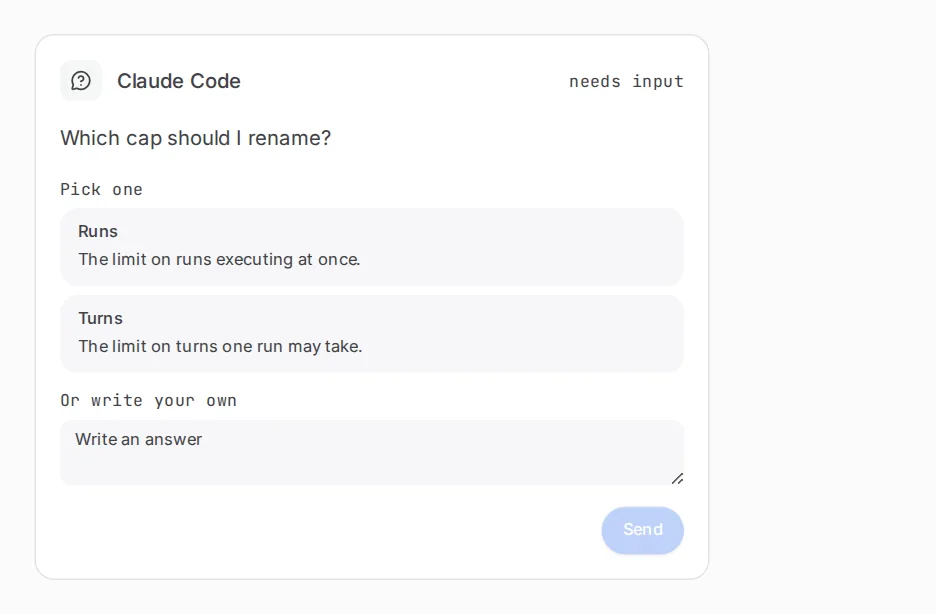
The Attention page lists every run with a question waiting. See See the runs that need you.
Related
Section titled “Related”- Watch a run: find the run and read its Session tab.
- Pause, stop or resolve a run: the controls that sit beside the composer.
- Gates and waits: steps where a run waits for you.
- Chats: talk to an agent without a workflow.