

Settings
Where Settings is and what each of its sections is for
Change how Orbital runs, harnesses, roles, connected services and the app itself work in Settings. Open Settings from the sidebar, then pick a section from the list on the left.
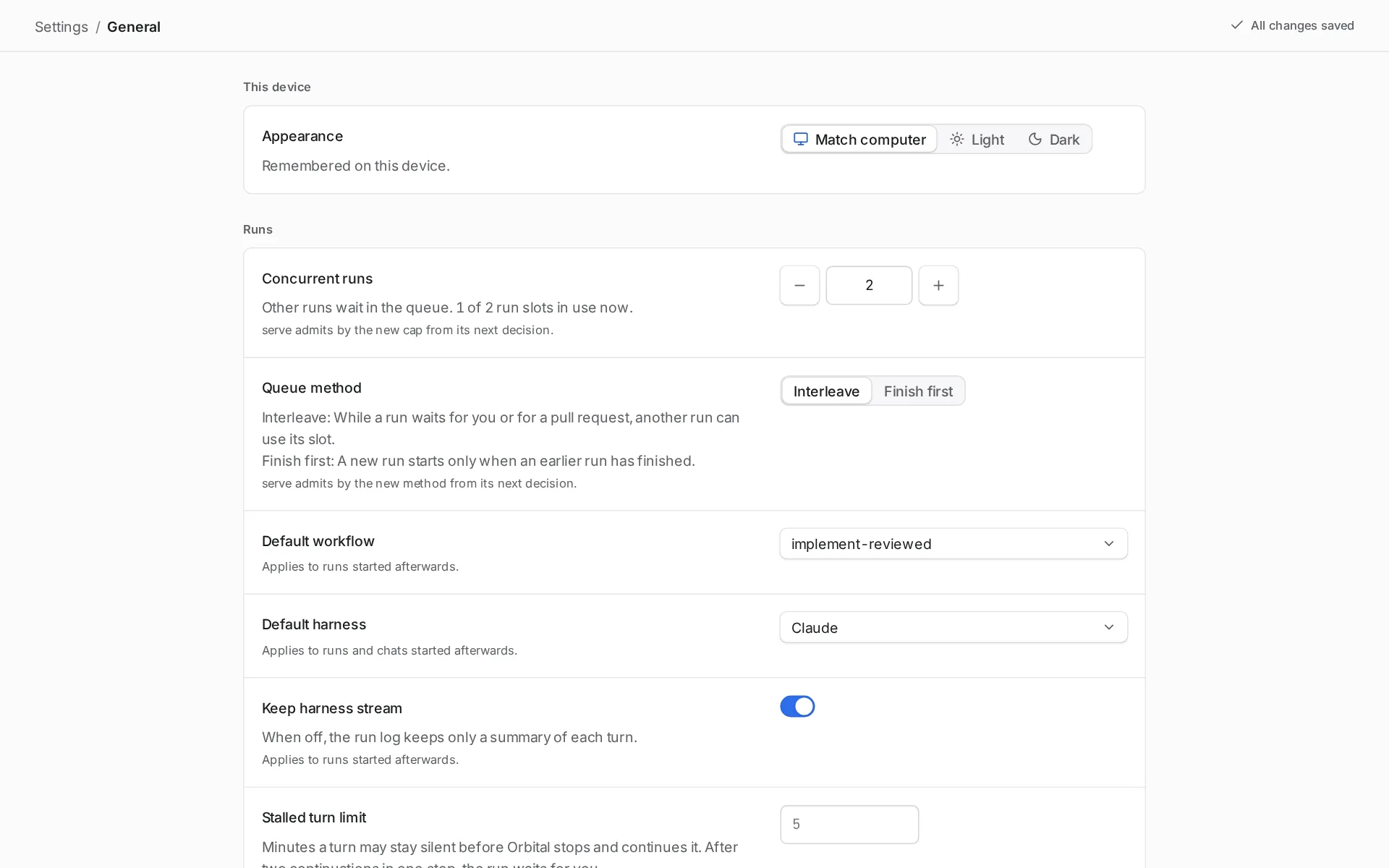
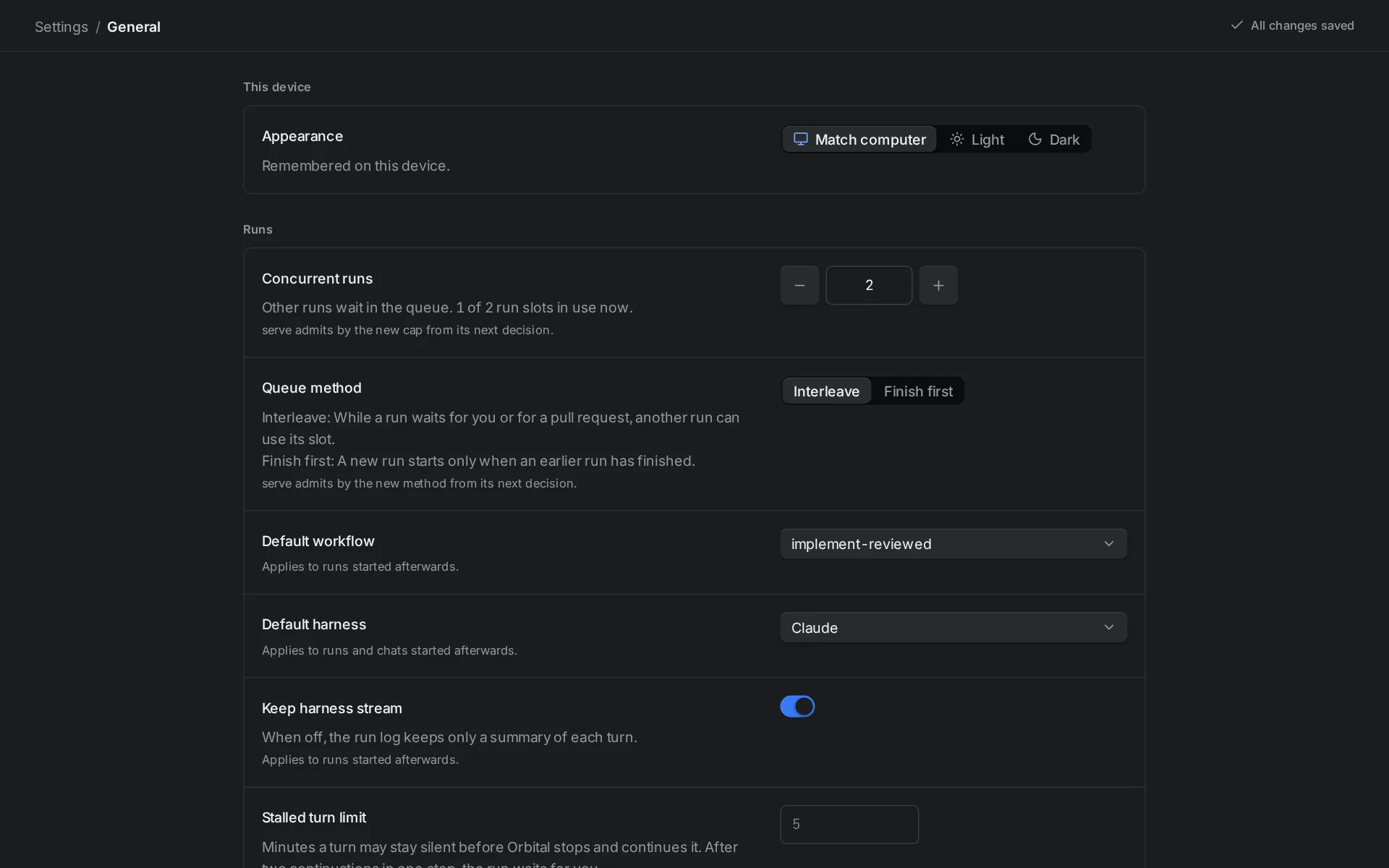
Every value saves as soon as you finish with it. A text field saves when you press Enter or leave the field. A Reset button appears next to a label whose value you changed from its default. A line under a field says when the change applies, for example “Applies to runs started afterwards.”
The sections
Section titled “The sections”| Section | What it is for |
|---|---|
| General | Appearance on this device, and the settings for runs, worktrees and the server. |
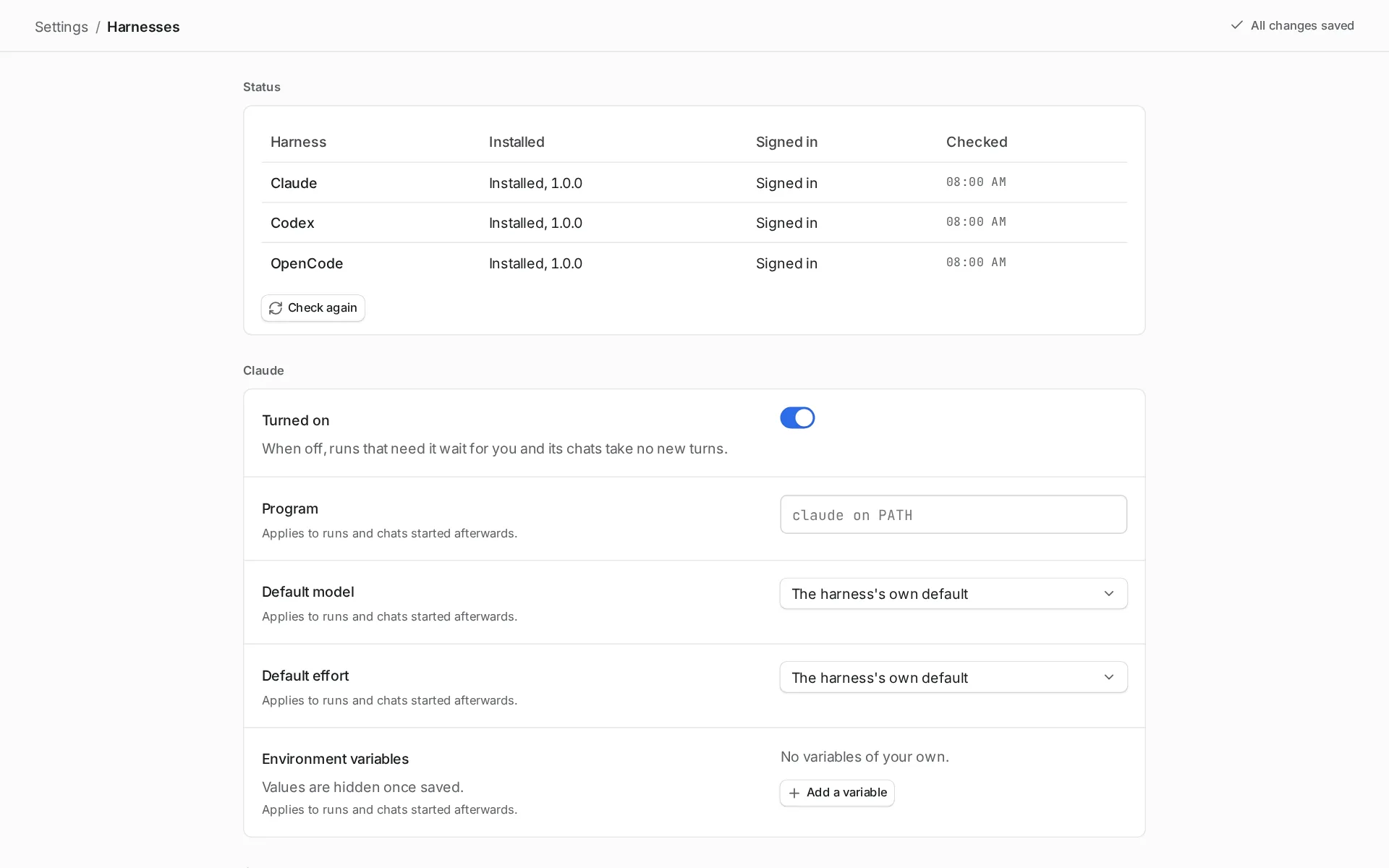
| Harnesses | Whether each harness can start, how Orbital starts it, and where a run goes when its harness runs out of quota. |
| Supervisor | How the Supervisor looks after your runs. It appears only while the Supervisor experimental feature is on. |
| Roles | Roles that give a step a persona, model settings and tool access in one choice. |
| Personas | Persona prompts that agent turns can use. |
| Model settings | Named choices of harness, model and effort for a step. |
| Tool access | Which kinds of tool a step can use. |
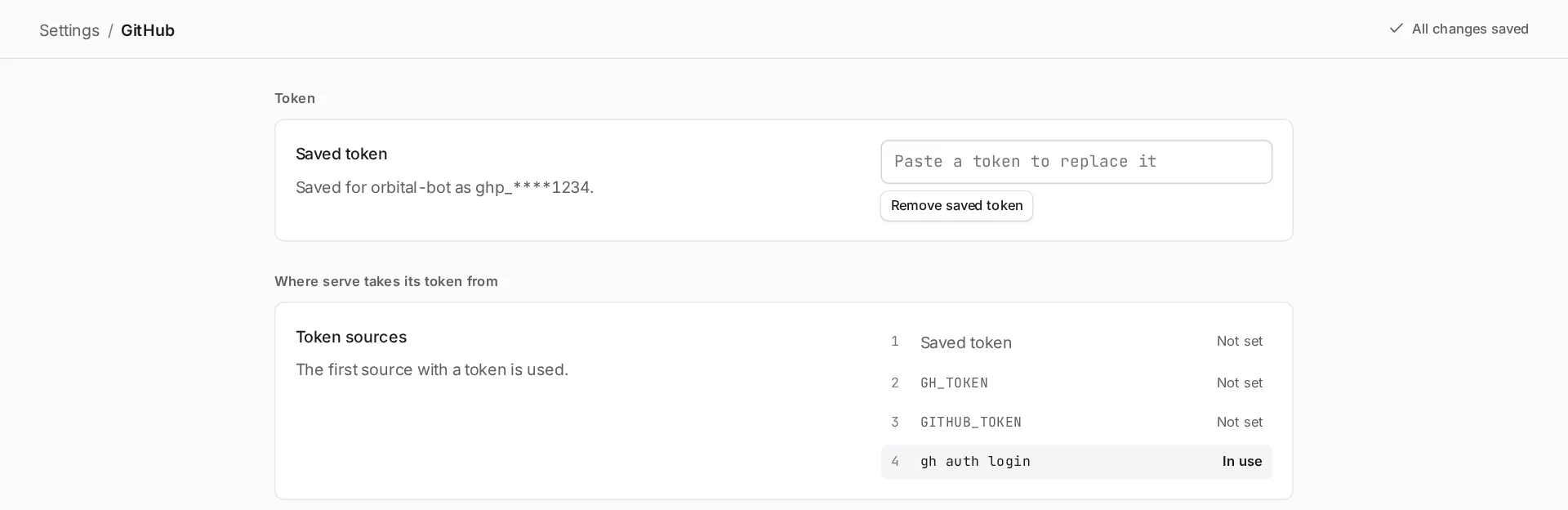
| GitHub | The GitHub token Orbital uses for its GitHub requests, and where it looks for one. |
| Linear | The Linear key that Linear trigger rules use to check Linear. |
| MCP | The MCP endpoint that lets coding agents outside Orbital read and control your runs. |
| Costs | The prices, in USD per million tokens, that Orbital uses to estimate what runs cost. |
| Command line and skills | Installs the orbital command and Orbital’s agent skills. |
| Experimental features | Switches for features still being tried out. Each is off until you turn it on. |
| Recent changes | The newest changes to your settings, with who or what made each one and when. |
| About | The version that is running, its updates, and where your settings are kept. |
Harnesses
Section titled “Harnesses”Settings > Harnesses shows whether each harness is installed and signed in. Below the status table, each harness has its own settings, such as its program and default model.
GitHub
Section titled “GitHub”Settings > GitHub saves a token for Orbital’s GitHub requests. It also lists the places Orbital looks for a token, in order. The first source with a token is used.
Related
Section titled “Related”- Settings reference: every field, its default and its allowed values
- Harnesses and models: how Orbital picks and starts each harness
- Roles and tool access: what the library sections do for steps
- Connect a coding agent: use the MCP section to register a client
- Troubleshooting: fixes that name each switch in Settings